Platform · Workforce management
Schedule
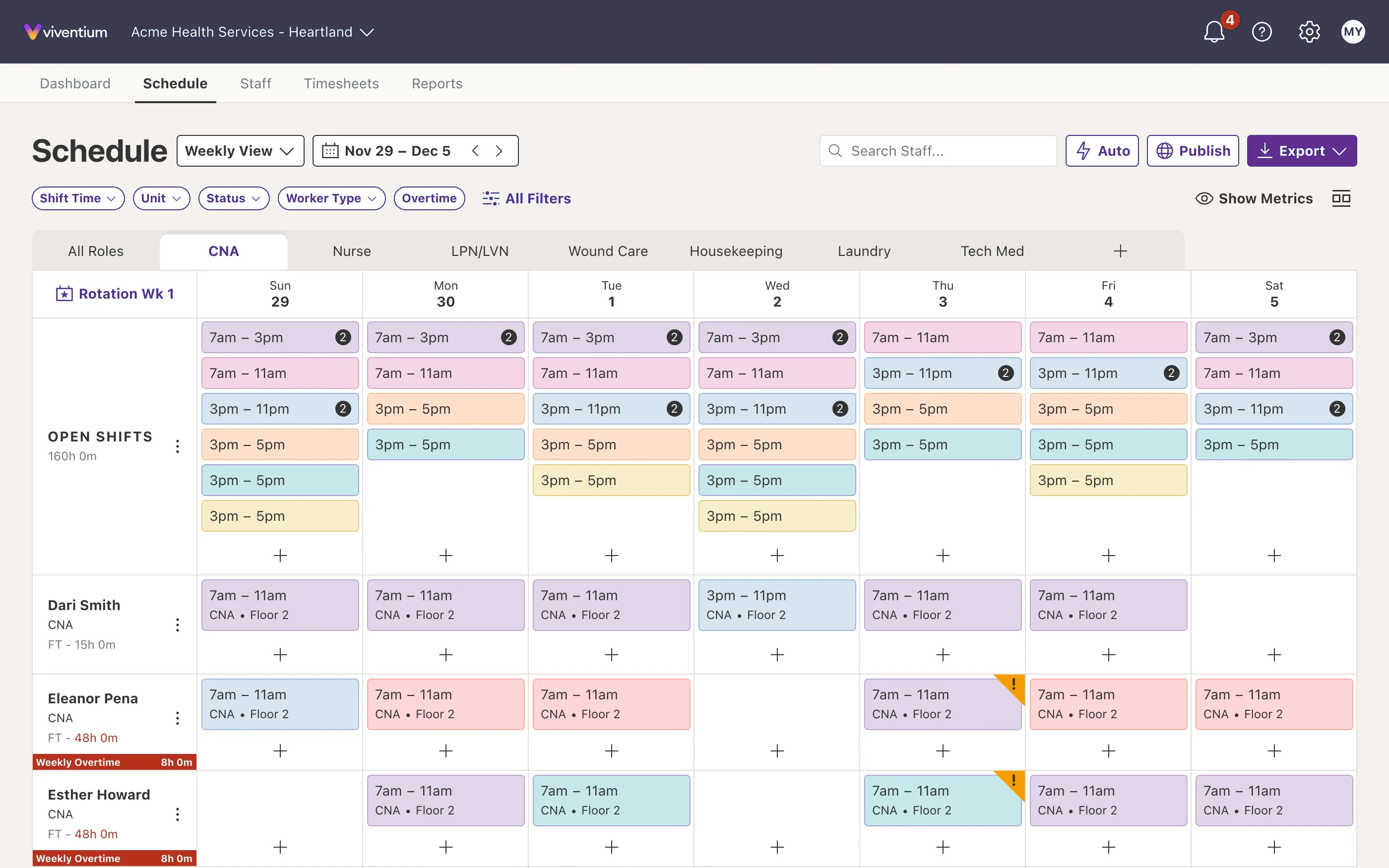
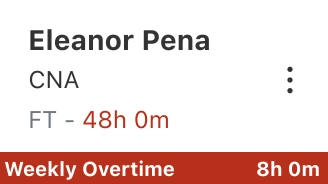
Build schedules around who is available, not approaching overtime, and properly credentialed, so you keep full coverage while controlling labor spend.
Proven. Trusted. Preferred.
Trusted by skilled nursing & senior living providers.
- 1M+
- lives touched from hiring to payroll
- 90%+
- client retention
- 70+
- NPS



What you can do
Schedules built around who can work
Apploi Schedule has really decreased time for my staff. My department managers love the feature of being able to reach out to their staff for any open positions.
Clients
In their words
Ease of use is one of the biggest features — we've had a major decrease in staff frustration.
Real providers, real impact
See how healthcare providers are using Viventium + Apploi to reduce scheduling challenges, improve coverage, and support better resident care.
Where it fits in the platform
Schedule is one piece of a single system that runs from the first application to the final paycheck.
Hiring
Payroll
Workforce management
Retention
Compliance
Resources
More on scheduling
Case study
From spreadsheets to smarter scheduling in skilled nursing
How skilled nursing facilities moved scheduling and staff communication into one platform.
Article
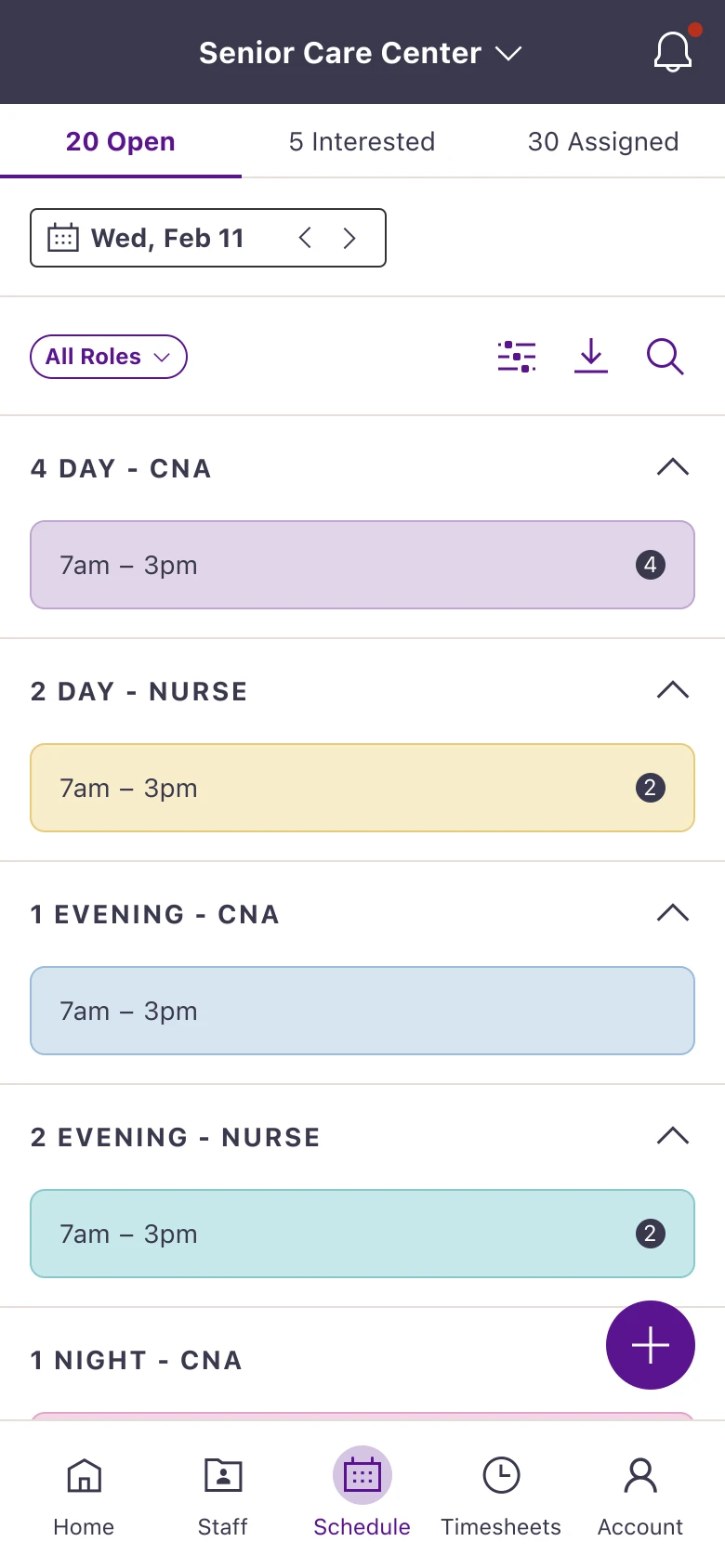
Feature Spotlight: Open Shift Management
How Open Shift Management makes scheduling simpler for skilled nursing facilities and senior living communities.
Article
Smarter Scheduling Starts Here: Meet Staff View
The Staff View feature in Viventium Scheduling, for efficient shift management and less administrative work.
Built for the unique needs of your care setting
Each care setting runs a different stack and answers to different rules.
- Wage parity
- Spread of hours
- Blended-rate OT
- Retro pay
- EVV
- ACA
- ACA
- Exclusion monitoring
- Credential tracking
- Wage & hour
- PBJ reporting
- PBJ reporting
- ACA
- Exclusion monitoring
- Credential tracking
- FLSA overtime
- Per-visit pay
- Blended-rate OT
- Retro pay
- ACA
- Credentialing
- ACA
- Exclusion monitoring
- Overtime
Expertise matters.
Talk to people who understand the healthcare workforce. In a 30-minute demo, we'll show you Viventium using your own pay rules, schedules, and numbers.
Request a demo